Portfolios
Group several algorithms so they trade together and, from here, launch them to trade live.
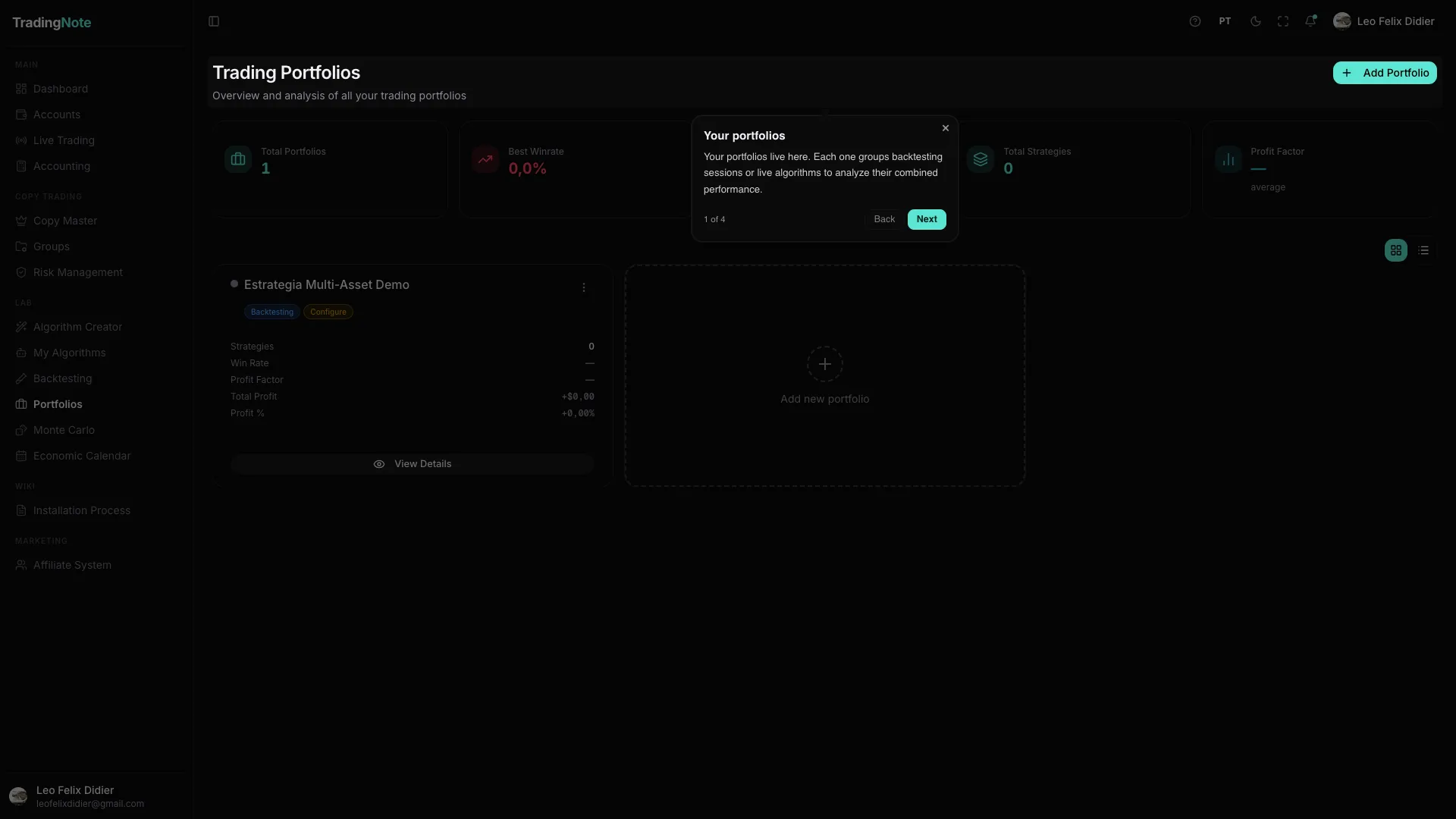
A Portfolio is a team of algorithms trading together across one or more accounts. Instead of running a single algorithm, you combine several to diversify risk. And most importantly: the Portfolio is where an algorithm goes from theory (backtests) to actually trading in the market.
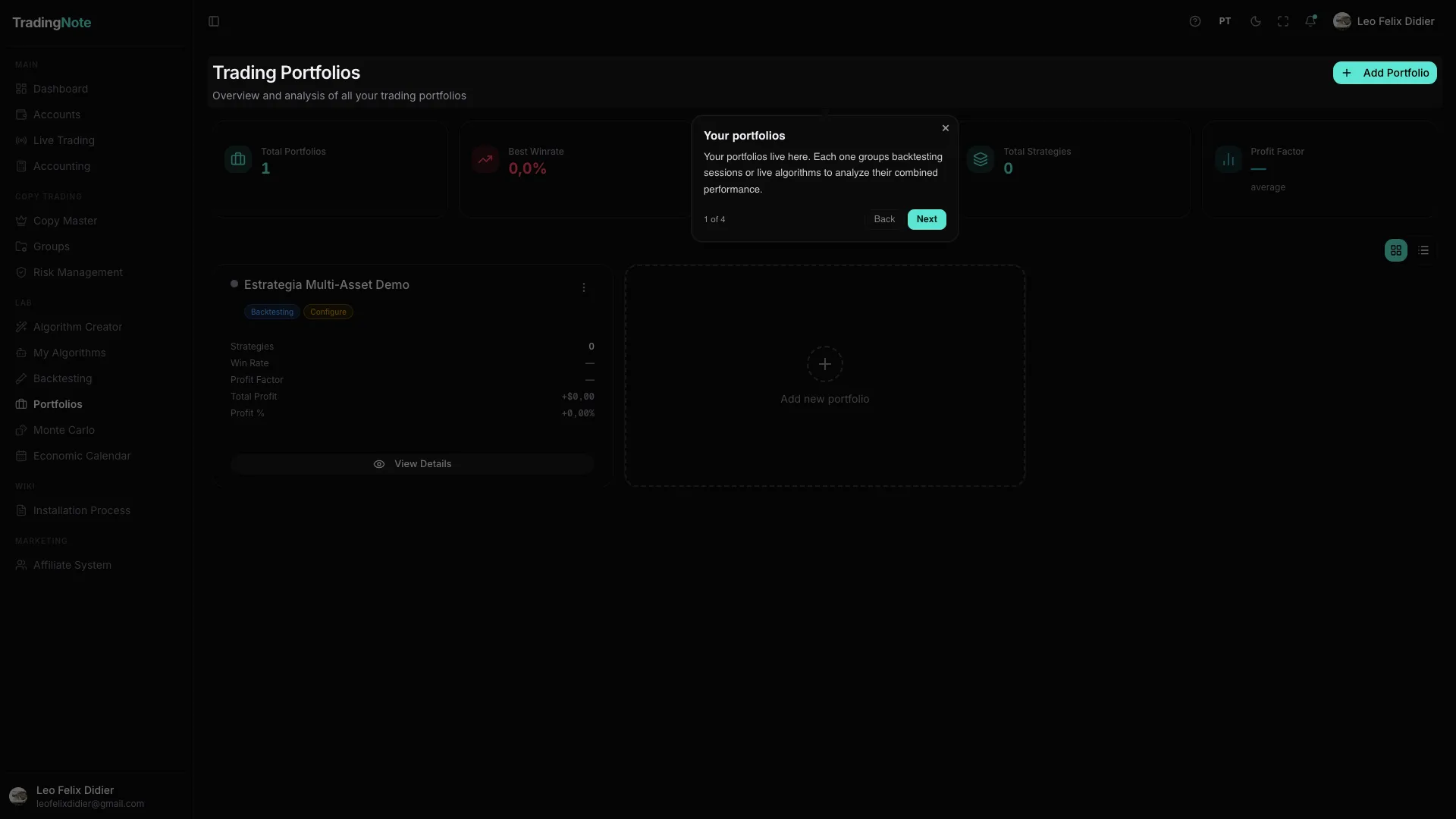
How to build and launch a portfolio
- 1
Create the portfolio
You give it a name and choose which account (or accounts) it will trade on.
- 2
Add algorithms and set weights
You pick the algorithms from «My Algorithms» that will form the team and how much weight (importance) each one has. More weight = larger size on its trades.
- 3
Configure the risk rules
For futures and prop firms you can enable account rotation and daily, weekly or monthly profit caps. That way the portfolio stops itself once it hits your target.
- 4
Launch the live session
When you're ready, you start the «live session». From then on the portfolio trades on its own, following its algorithms and rules, and you see its aggregated performance in real time.
Launching a live session requires a PRO plan or higher. Always start on a Paper account to see how the portfolio behaves before using real money.