Groups
Bundle accounts to configure them and apply rules together, instead of one by one.
Open in app3 min
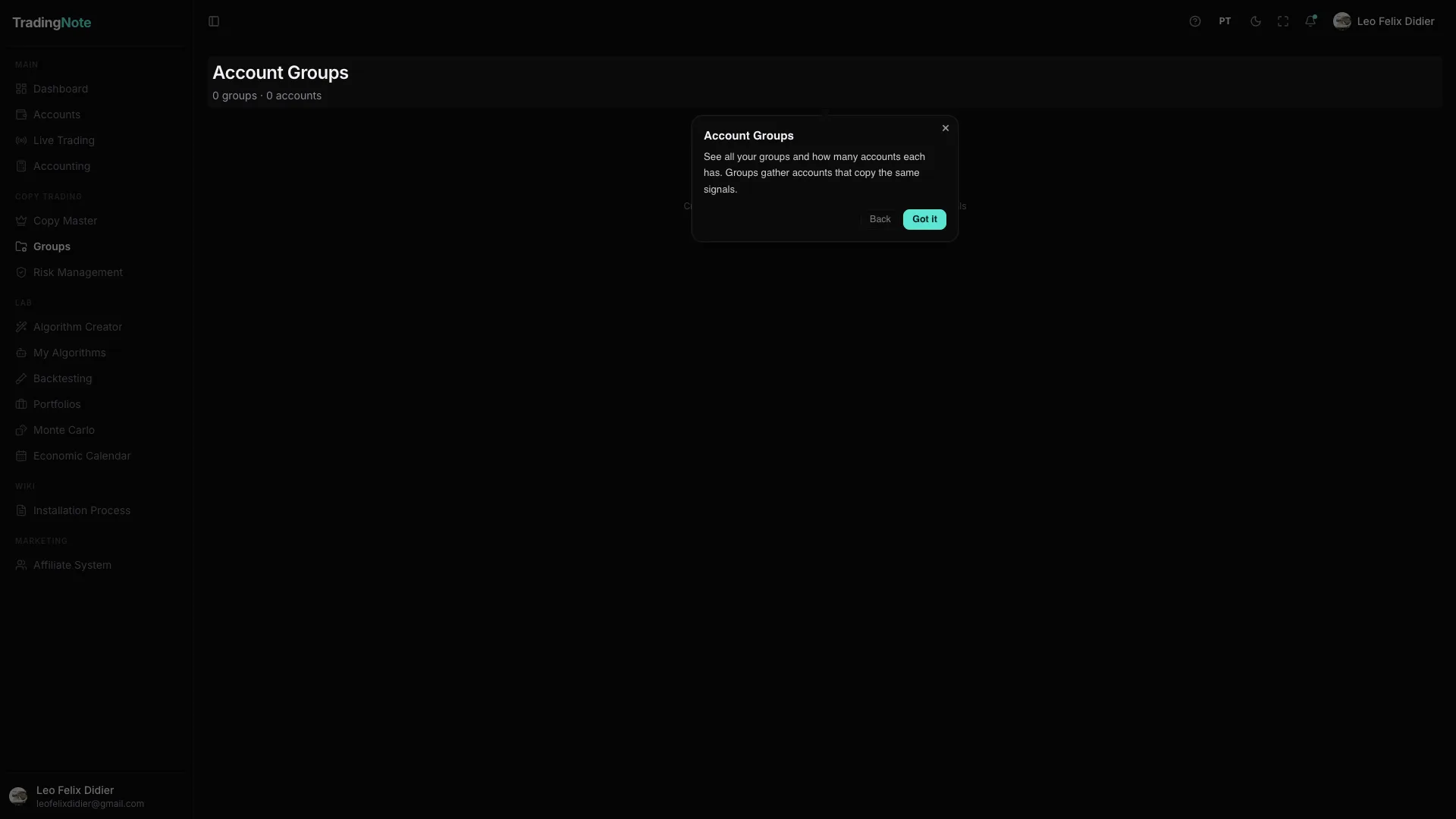
Groups lets you put several accounts under one set to manage them as one. Instead of changing a setting on each account, you change it on the group and it applies to all of them. It's very useful when you manage many similar accounts (for example, several accounts from the same prop firm).
Combine Groups with Copy Master and Risk Management: group your follower accounts and apply the same risk limits to the whole group in one go.