Accounts
Connect and manage your broker accounts. This is the first step to using TradingNote.
An «account» in TradingNote is the connection to your real (or practice) account at a broker. Connecting an account lets TradingNote see your trades, balance and performance without you copying anything by hand. It's the required first step: almost everything else (statistics, copy trading, live trading) starts here.
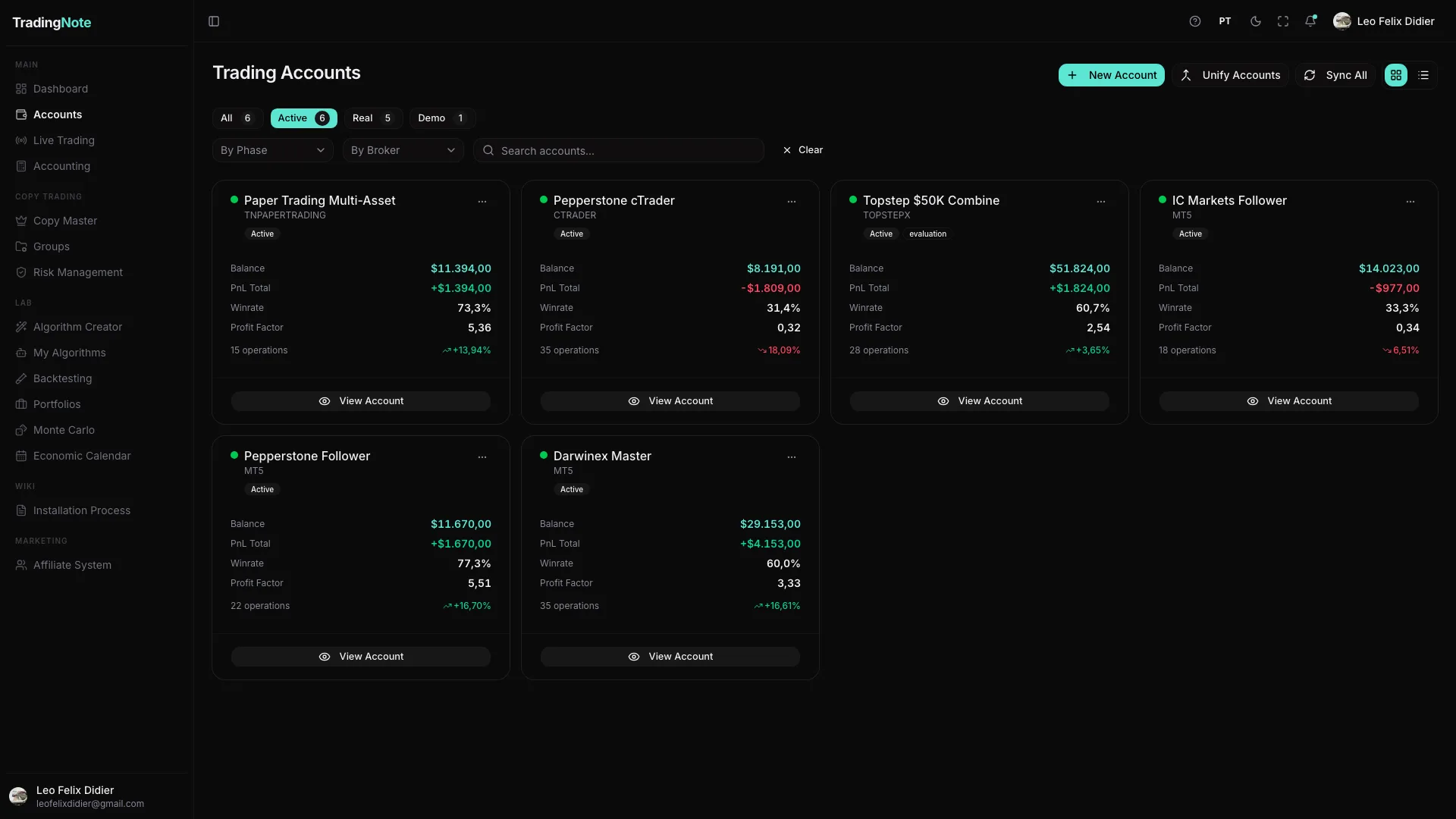
At the top you have tabs to filter (All / Active / Real / Demo), filters by phase and by broker, and a search box. On the right, the buttons «New Account» (connect an account), «Unify Accounts» (combine several accounts into a chain) and «Sync All» (force a sync of all of them).
How to connect your first account
- 1
Click «New Account»
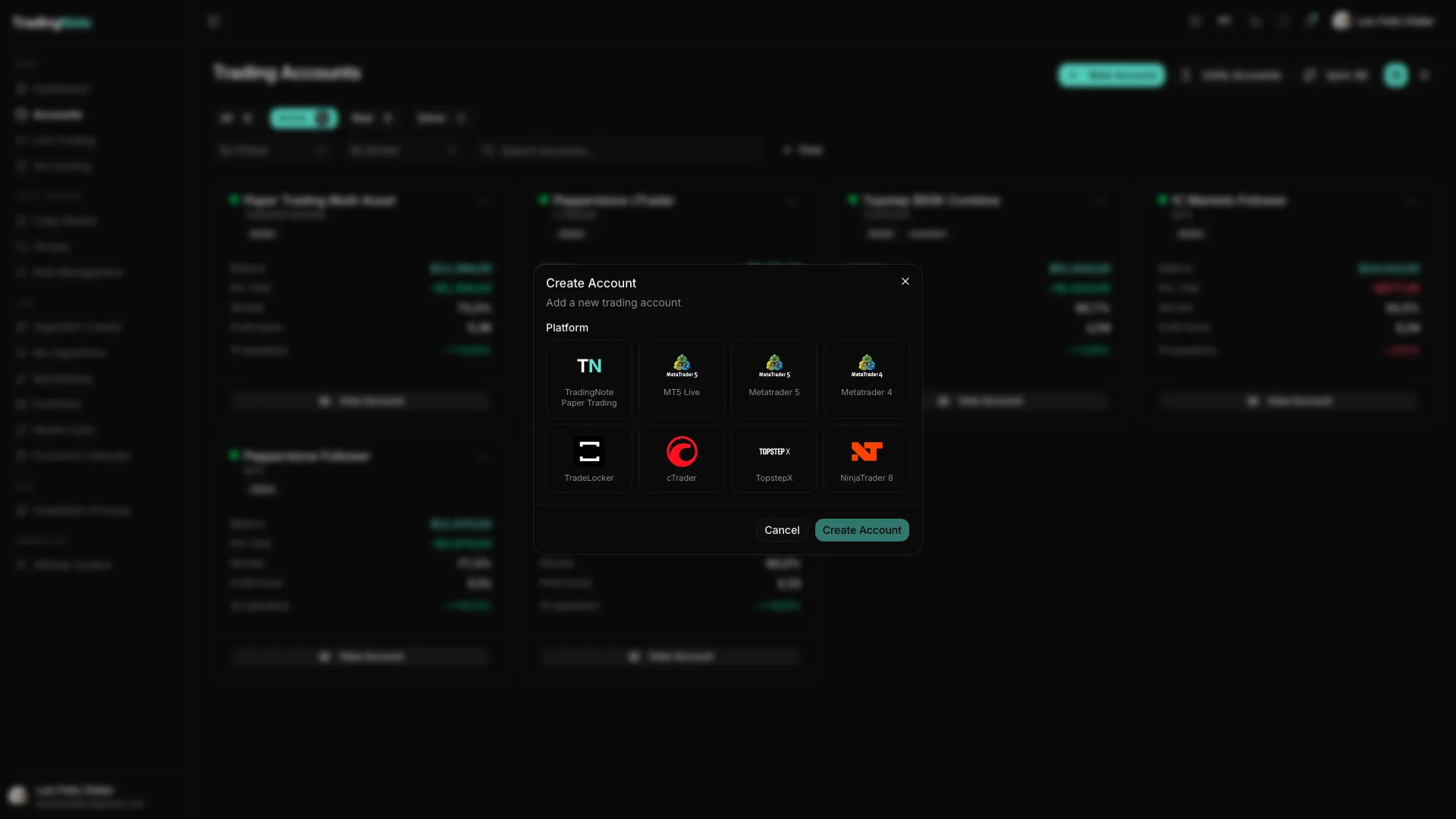
It's at the top right. A window opens for you to choose your broker's platform.
- 2
Choose your platform
TradingNote supports TradingNote Paper Trading (a simulated account, ideal to start risk-free), MetaTrader 5, MetaTrader 4, TradeLocker, cTrader, TopstepX and NinjaTrader 8. If you're just starting, pick «TradingNote Paper Trading» to practice.
- 3
Fill in the connection details
Depending on the platform, it will ask for credentials, a login/server, or take you to authorize via OAuth (a button that opens the broker's site to grant permission). For MetaTrader you'll need to install our connector (EA); for futures prop firms it's usually OAuth or credentials.
- 4
Confirm and wait for the sync
Click «Create Account». The account appears in the list with a green dot once it's connected and syncing. The first sync can take a few minutes while it downloads your history.
If an account doesn't sync (no green dot or trades missing), it's almost always because the connector/EA isn't running. Check the «Installation Process» section for your platform.
Supported platforms
| Platform | Type | How it connects |
|---|---|---|
| Paper Trading | Simulated | Instant, no broker |
| MetaTrader 4 / 5 | Forex / CFDs | EA connector |
| cTrader | Forex / CFDs | OAuth |
| TopstepX | Futures (prop firm) | Credentials / API |
| NinjaTrader 8 | Futures | AddOn |
| TradeLocker / DXtrade / Tradovate / Dukascopy | Various | Credentials / OAuth |
Not ready to risk money yet? Create a «Paper Trading» account: it's 100% simulated, connects instantly and lets you try every feature (including live trading) risk-free.